Find Posts by Title – Quick Admin Search for Posts, Pages & Custom Post Types
Instant title search in wp-admin — posts, pages, and custom post types, drafts included.
Type a keyword. Find your post. Done.
Stop scrolling through endless post lists. Find Posts by Title adds instant title search to your WordPress admin — type a keyword, see matching posts, pages, or custom post types immediately, with full row actions right there.
The default admin search looks through content, excerpts, and everything else, then buries the post you actually wanted on page three. This plugin searches titles only, which is how you actually remember your posts. Built for sites with hundreds or thousands of posts where the default admin list is useless.
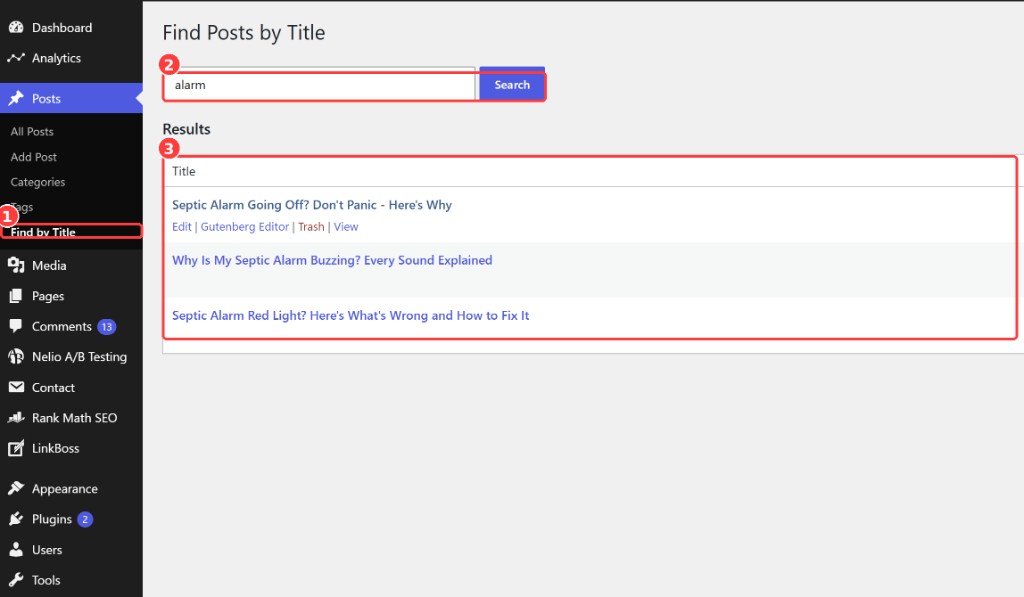
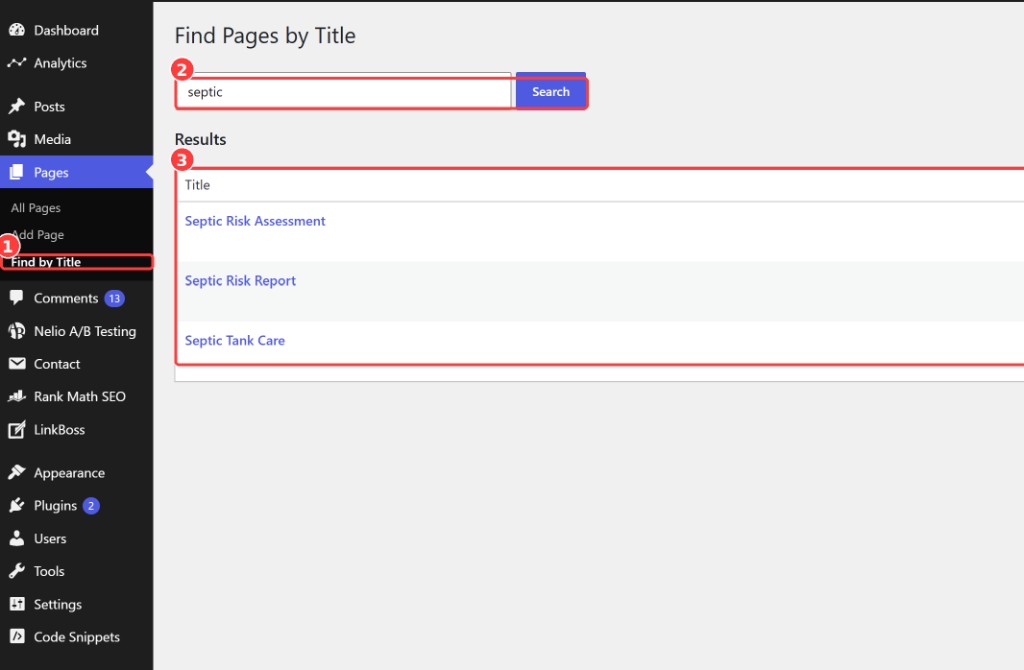
A Find by Title submenu appears under Posts, Pages, and every public custom post type in your admin menu. Type, find, edit. That’s the whole workflow.
EVERYTHING IT DOES. NOTHING IT DOESN'T.
- Search posts, pages, and any public custom post type by title
- Searches drafts, pending, scheduled, and private posts too — not just published
- Native WordPress table styling — feels built-in, not bolted on
- Full row actions on every result — Edit, Gutenberg, Classic Editor, Trash, View
- Admin-only — zero frontend scripts, zero performance impact for your visitors
- No settings screen, no onboarding wizard, no bloat. Activate and search.
SEE IT IN YOUR ADMIN
QUESTIONS, ANSWERED STRAIGHT
How do I search posts by title in the WordPress admin? +
Activate the plugin and go to Posts → Find by Title. Type a keyword from the title and matching posts appear instantly in a native WordPress table with full row actions.
Does it search custom post types? +
Yes — as of 2.0, every public custom post type gets its own Find by Title submenu.
Does it slow down my site? +
No — the plugin is admin-only. Nothing loads on the frontend, so there is zero performance impact for your visitors.
Does it work with Gutenberg and Classic Editor? +
Yes, both. Each result row includes actions to open the post in the Gutenberg editor or, if the Classic Editor plugin is active, the Classic Editor.